Business email
An email from a free address costs a business more work than it saves. Mail on your own domain, authenticated properly, is the cheapest credibility a company can buy.
We set up mail on Microsoft 365 or Google Workspace, whichever suits how the business already works, and migrate the existing mailboxes across with the history intact. Nobody loses their archive.
The part most providers skip is authentication. SPF, DKIM and DMARC are what tell a receiving server that mail claiming to be from you actually is. Without them your invoices land in spam and anybody can forge your domain; with them, neither is true.
We also set up the shared things a growing business needs and usually improvises: a proper info@ that more than one person can answer, distribution groups, and signatures that match the brand rather than five different versions of it.
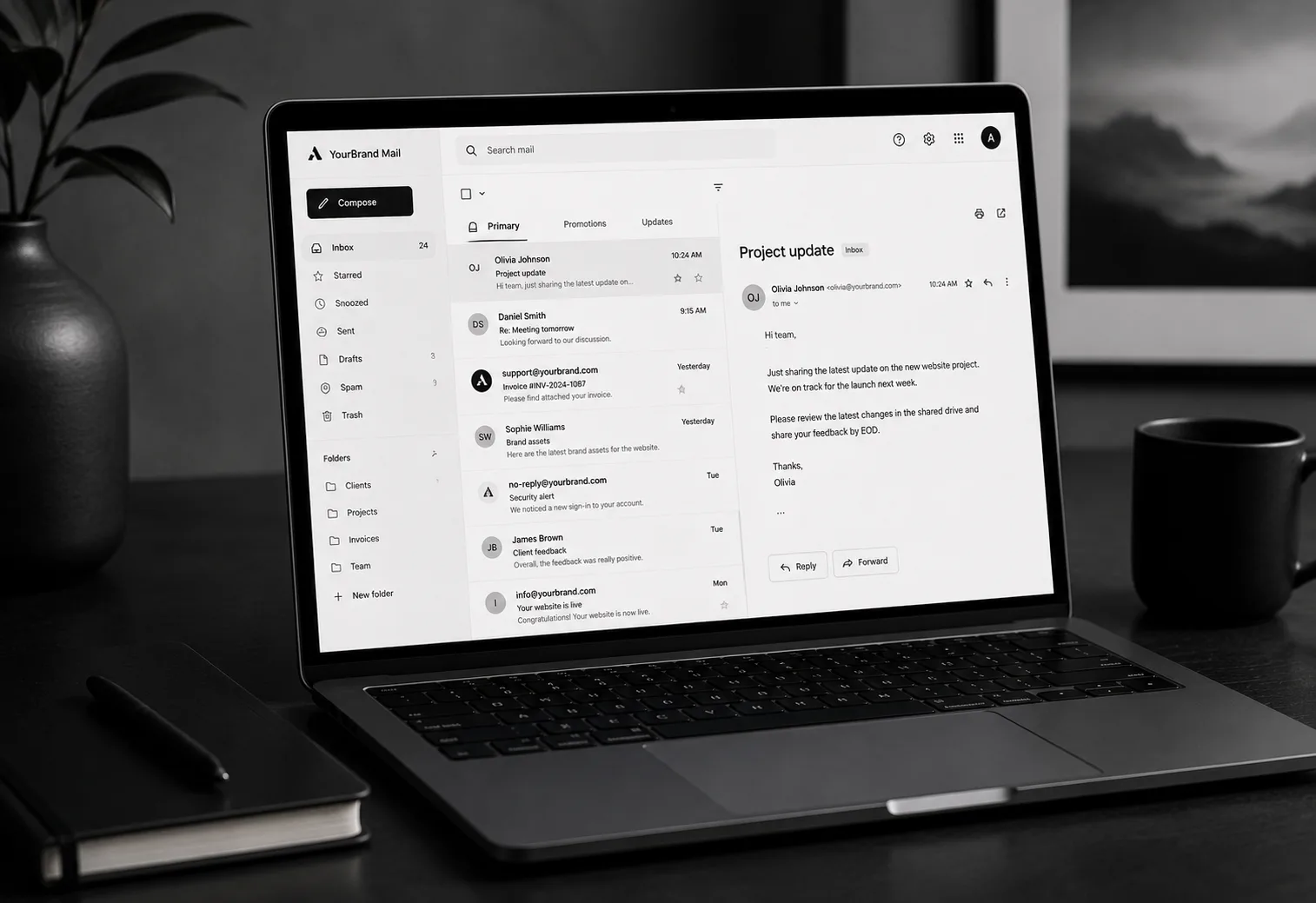
- Mailboxes on your own domain
- SPF, DKIM and DMARC configured
- Migration from your current provider
Four things arrive, in this order.
Everything below is in the scope by default. If a project does not need one of them, it comes off the quote rather than being quietly left out.
- 01
Mailboxes
Per person, on your domain, with calendar and contacts, on desktop, web and phone.
- 02
Deliverability
SPF, DKIM and DMARC configured and then verified against a real send, not assumed.
- 03
Migration
Mail, calendars and contacts moved across with history, scheduled so nobody loses a working day.
- 04
Shared addresses
info@, accounts@ and support@ as shared mailboxes or groups, so nothing lands in one person's inbox alone.
From the first call to the handover.
You see the work at every stage, on something real. Nothing on this list needs chasing.
- 01
Audit
What you have, where it is, how many mailboxes, and how much history.
- 02
Provision
Tenant, domain verification and mailboxes created, tested before anyone is moved.
- 03
Cutover
Records switched out of hours, with the old mail still reachable while the new one fills.
- 04
Train and hand over
A short session per team on phones and desktop, and an admin account in your name.
The things people ask before they commit.
Microsoft or Google?
If your team lives in Excel and Teams, Microsoft. If it lives in a browser, Google. We will recommend one and are happy to run either.
Will we lose old email?
No. Migration copies rather than moves, and the old mailbox stays reachable until you are satisfied.
Why is our mail going to spam?
Almost always missing or wrong SPF, DKIM and DMARC records. It is the first thing we check, and usually a same-day fix.
Need business email?
Send through what the business needs and a fixed quote comes back inside two days.
- Office
- Sunninghill, Sandton, 2196
- Hours
- Mon–Fri, 07:00–17:00
- info@bonangtech.com